Fake Loan Apps List 2025: 50+ Illegal Apps Banned in India (Check Before Downloading)
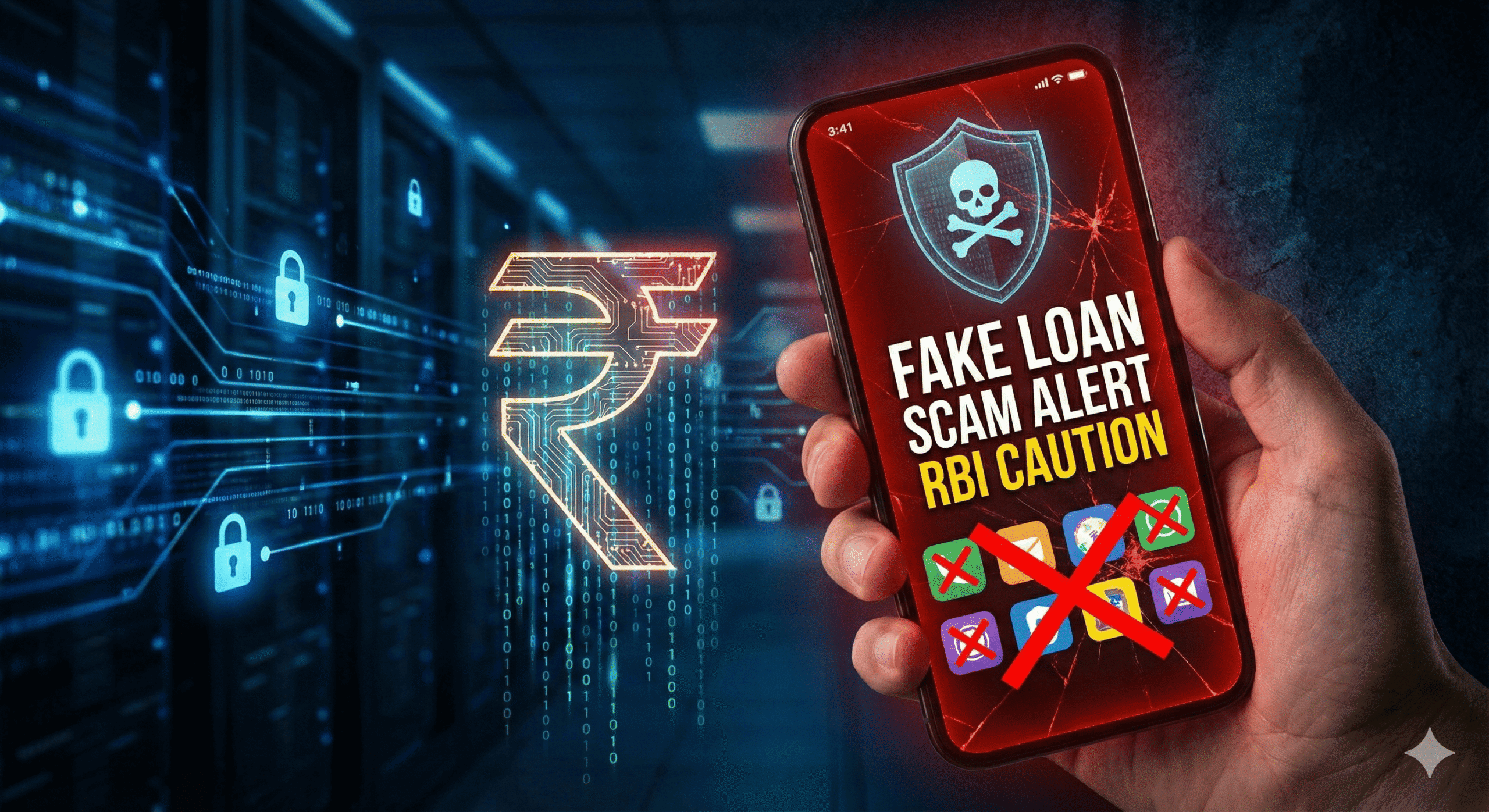
With digital lending on the rise, the number of scams is increasing. The RBI has released a Fake Loan Apps List 2025 to warn users against illegal platforms that harass borrowers.
Why You Must Check This List Every day, thousands of Indians fall victim to illegal loan apps that harass borrowers, steal data, and charge 500% interest. The Reserve Bank of India (RBI) and Google are constantly banning these apps, but new ones appear daily.
This article provides an updated list of suspicious apps you should avoid, along with the official steps to report them to the Cyber Crime cell.
Top Warning Signs of a Fake Loan App Before looking at the names, check if your loan app does any of these 5 things. If yes, uninstall it immediately:
- No RBI Registration: They cannot show a valid NBFC license number.
- Contacts Access: They demand access to your phone gallery and contacts list.
- Short Tenure: They force you to repay in 7 days (Legal minimum is 90 days).
- Harassment: They threaten to send edited photos to your family.
- High Processing Fees: They ask for money before giving the loan.
🚫 Fake Loan Apps List 2025 (Reported 2024-2025)
Note: Many of these apps change their names frequently. If an app is not on this list but asks for “Gallery Access,” consider it unsafe.
| App Name (Reported) | Status | Risk Level |
| CashBus | Removed from Play Store | 🔴 Critical |
| RupeeLe | Flagged by Users | 🔴 Critical |
| SmallCredit | Unregistered | 🔴 Critical |
| FastCoin | Harassment Reported | 🔴 Critical |
| LoanDream | Data Theft Risk | 🔴 Critical |
| HandCash | Hidden Fees | 🟠 High |
| RichCash | Contacts Harassment | 🔴 Critical |
| EasyLoan | Unverified NBFC | 🟠 High |
| QuickRupee | Removed from Play Store | 🔴 Critical |
| CreditWallet | Fake Legal Notices | 🔴 Critical |
🛡️ What to Do If You Are Stuck in a Fake Loan App? If you have already downloaded one of these apps and they are threatening you, follow these steps immediately. Do not pay them out of fear—they will only demand more.
- Uninstall the App Immediately: Do not just delete the icon. Go to Settings > Apps > [App Name] > Clear Data > Uninstall.
- Revoke Permissions: Before uninstalling, ensure you have turned off permissions for Contacts and Gallery.
- Lock Your Aadhaar Biometric: Go to the official UIDAI website (mAadhaar) and lock your biometrics to prevent identity theft.
- File a Cyber Complaint: Call 1930 (National Cyber Crime Helpline) or visit cybercrime.gov.in.
- Inform Your Contacts: Send a WhatsApp message to your close friends/family: “My phone data was hacked by a scam app. If you receive any strange messages from my number, please ignore and block them.”
Stop using these risky apps. If you need money urgently, only use RBI-Approved apps like [TrueBalance] or [Moneyview] which are 100% safe.

Good